
If you need to review the fee schedule, you can accomplish this through the Attorney Portal.
There are two ways to access the Attorney Portal:
1. Direct Link
You may go directly to the portal using the following link: https://attorney.uslegalservices.net/login
2. Through the Website
Visit the main website at: https://uslegalservices.net/
If you are using the website, the link to get to the portals is in the top navigation bar.
-
In the top right corner of the navigation bar, click the Log In button.
-
You will be taken to the portal landing page.
-
Click the Go to Attorney Portal button.
-
You will then be redirected to the Attorney Portal.
Once you have logged into the attorney portal, click Helpful Information in the top navigation bar.

Here you will find numerous helpful documents.
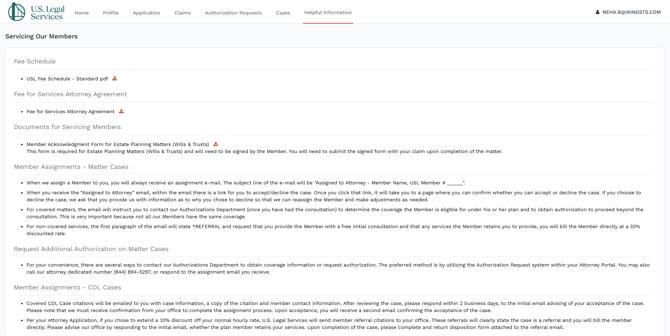
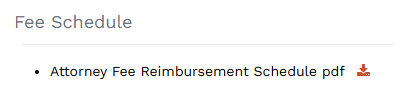
Click the download icon next to the document you wish to view.

This will initially open the document in a viewer.
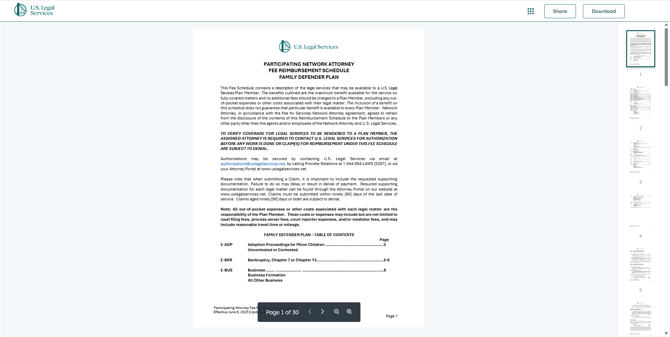 If you would rather save it to your computer, click the Download button in the top right of the screen.