There are two ways to access the Attorney Portal:
1. Direct Link
You may go directly to the portal using the following link: https://attorney.uslegalservices.net/login
2. Through the Website
Visit the main website at: https://uslegalservices.net/
If you are using the website, the link to get to the portals is in the top navigation bar.
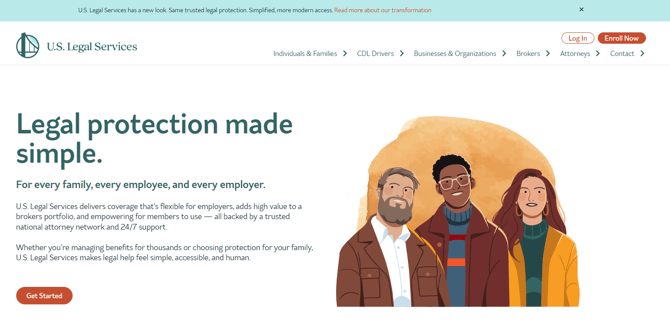
In the top right corner of the navigation bar, click the “Log In” button.

Click on the "Log In" button.

You will be taken to the portal landing page.
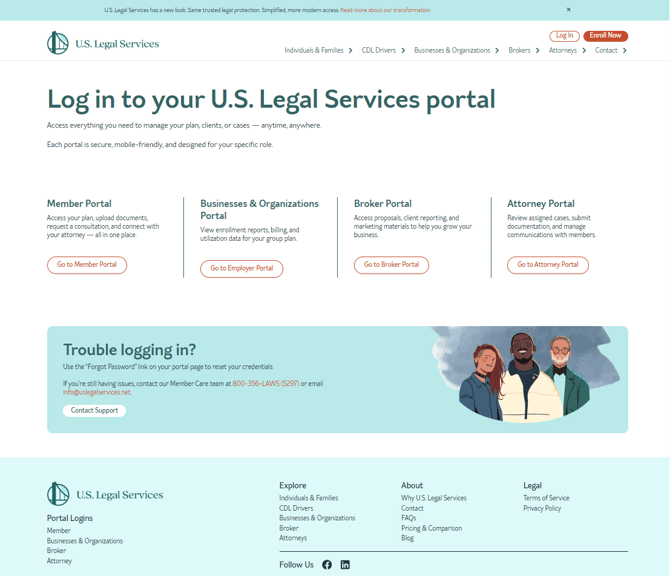
Click the “Go to Attorney Portal” button.
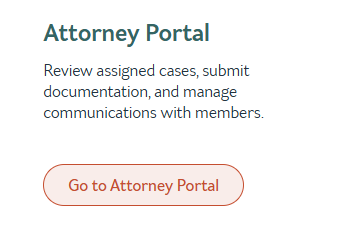
You will then be redirected to the Attorney Portal.
Note: The Attorney Portal does not open in a new tab.
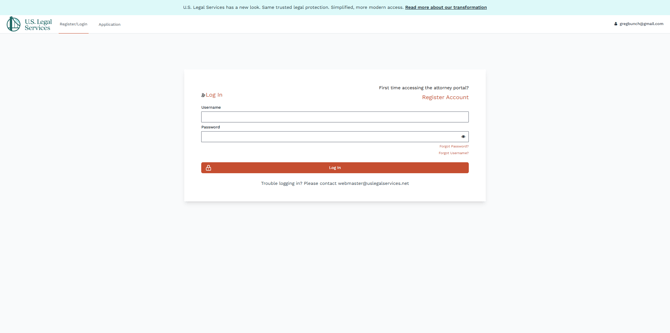
Once there, enter your username and password to access your account.
If you have not yet registered for the Member Portal, click “Register Account” located just in the top right of the log in area.
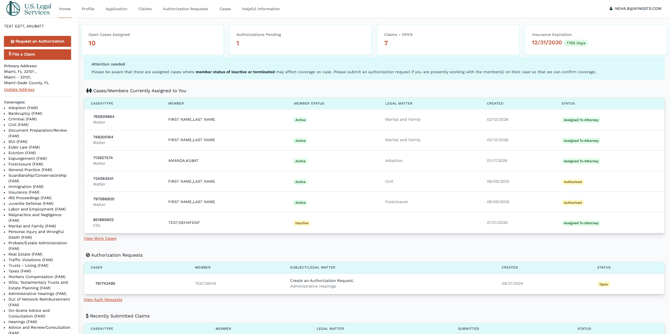
Your Attorney Portal dashboard will look something like this, depending on your coverages and assigned cases.